
1. Build a catalogue snapshot
The website generator reads curated paint records containing the identity and classification needed for matching: brand, paint name, product line, variant, code, type, finish, tags, lifecycle data, and a stored colour where available. Entries without usable colour data are not sent through colour matching. Technical products, varnishes, mediums, primers, markers, effect products, and air-only lines are outside the current web conversion pools.
Catalogue work combines manufacturer-supplied data where available, published product information, and manual cleaning. BrushForge does not currently publish per-record measurement provenance, and ordinary catalogue hex values should not be read as spectrophotometer measurements or physical brushouts. Source quality varies and corrections are part of the maintenance process.
2. Convert sRGB to CIELAB
Each red, green, and blue channel is normalized from 0–255. The standard sRGB transfer function converts those encoded values to linear light. A matrix maps linear sRGB to CIE XYZ using the D65 white point. XYZ is then converted to CIELAB with the D65 reference white values Xn = 0.95047, Yn = 1.0, and Zn = 1.08883.
This step matters because RGB is built for encoding display colour, not for making equal numerical steps look equally different. Lab is the input space expected by the CIEDE2000 comparison.
3. Filter to the same behaviour family
BrushForge assigns every eligible web record to one strict family before compatible candidates are ranked:
- Opaque: conventional colour, base, and layer records.
- Metallic: records classified with a metallic finish.
- Wash: washes and shade lines.
- Single-coat: Contrast-, Speedpaint-, or Xpress-style products.
- Ink: inks and ink lines.
- Glaze: glazes and glaze lines.
- Other translucent: remaining translucent records that do not fit a more specific family.
A compatible source-to-target comparison requires the exact same family and a recommendation-eligible target. A different translucent family can appear only as a warned colour reference; it is never called compatible. This blocks, for example, a blue ink from being described as the equivalent of a blue single-coat paint.
Some craft or military-focused ranges remain useful as visible catalogue subjects but are excluded from cross-brand recommendations. That distinction lets a legacy record remain discoverable without presenting it as an ordinary purchase recommendation.
4. Rank with CIEDE2000
The generator calculates CIEDE2000 between the source Lab value and every eligible candidate. It returns the smallest distance for each requested target brand. A result of 0 means the stored inputs are the same—not that two formulations are physically identical.
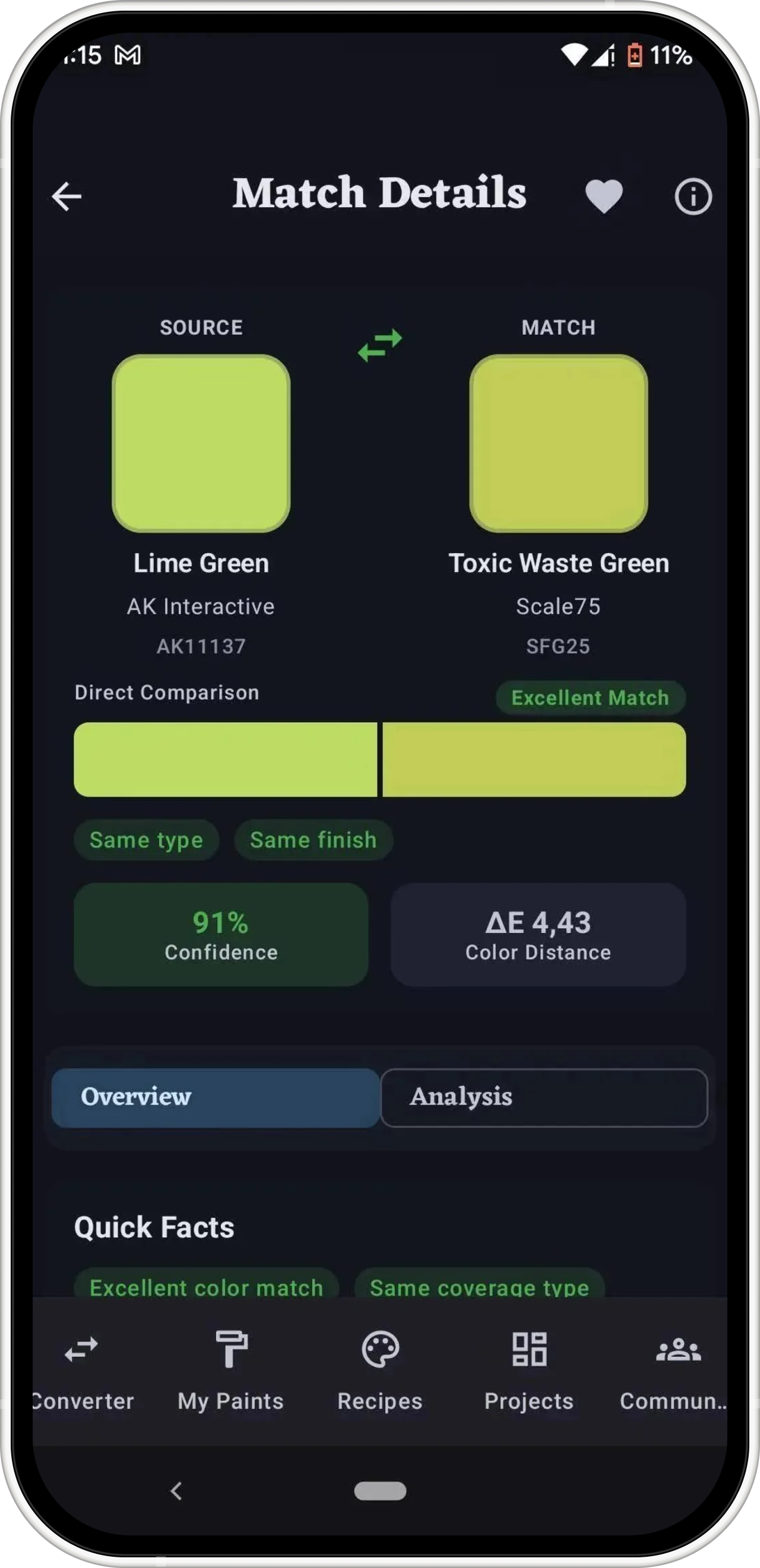
BrushForge labels results with a shared practical tier system: 0 same recorded colour; >0–2 very close; >2–5 close; >5–10 noticeable difference; and >10 different colour. When only a different-family translucent reference exists, the result says: “No close same-type equivalent found; nearest recorded color shown.”
5. Generate and update the public pages
Paint details and brand-to-brand charts are generated as crawlable HTML. Each record receives a stable brand/name path, with line, variant, code, and a counter used when necessary to avoid collisions. The public dataset includes its source-update date so a build date is not presented as if the paint record changed that day.
Catalogue updates are reviewed, regenerated, and checked across the corpus. A correction can change a stored colour, classification, lifecycle state, identity, or recommendation eligibility; any of those changes can alter downstream matches.
What the ranking does not know
- Actual brushout colour over a specific primer and number of coats.
- Coverage, opacity, pigment concentration, thinning response, or drying shift.
- Metallic particle size, reflectance, or directional sheen.
- How a wash or transparent paint pools across a sculpted surface.
- Batch variation, age, separation, or a manufacturer formula change.
- Your camera, room lighting, monitor calibration, or varnish.
Those are reasons to use the result as a shortlist and perform a small physical test where the final appearance matters.
Corrections and reproducibility
To report a questionable record or match, email brushforgeapp@gmail.com with the source paint, proposed target, brand, range, product code, page URL, and—when possible—a manufacturer page or clear label photo. Reports are reviewed before source data is changed.
The Python generator and browser converter use the same tier boundaries. The CIEDE2000 implementation is tested against the reference data published with Sharma, Wu, and Dalal’s implementation notes; boundary tests cover 0, 0.1, 2, 2.1, 5, 5.1, 10, and 10.1.