Paint converter
Know the paint, not just the swatch.
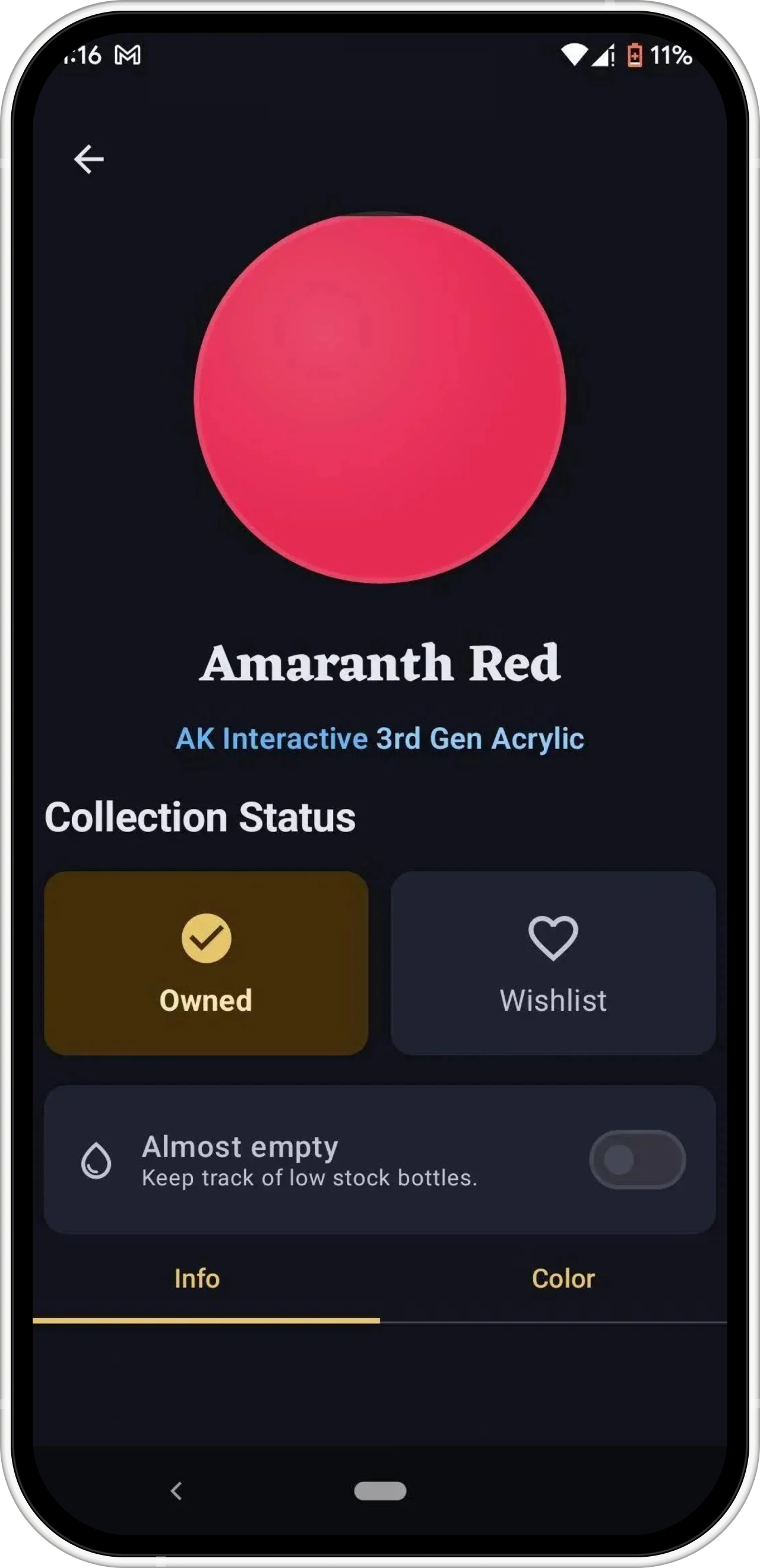
Compare catalogue colors across brands, then review the paint type, finish, range, highlight, shadow, and complementary suggestions before choosing a substitute.
Explore paint matchingBrushForge connects paint matching, collection tracking, palettes, recipes, projects, and photo color tools so useful information stays with the work.
Start with a substitute, understand your collection, record a method, or use a photo to explore color and light.
Compare catalogue colors across brands, then review the paint type, finish, range, highlight, shadow, and complementary suggestions before choosing a substitute.
Explore paint matching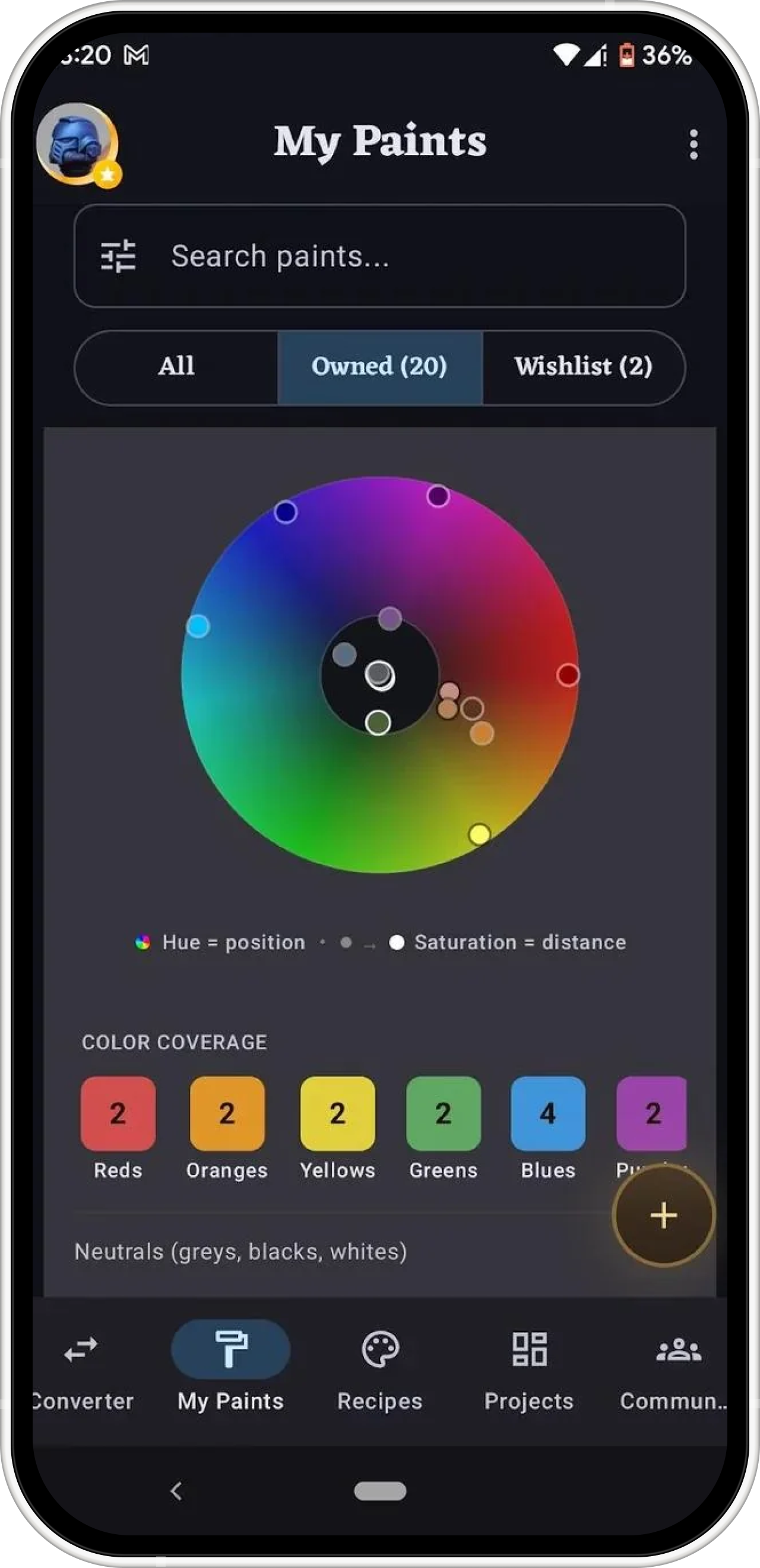
Track owned and wishlisted paints, spot gaps around the color wheel, and judge suggestions in the context of what is already on your shelf.
Explore collection tools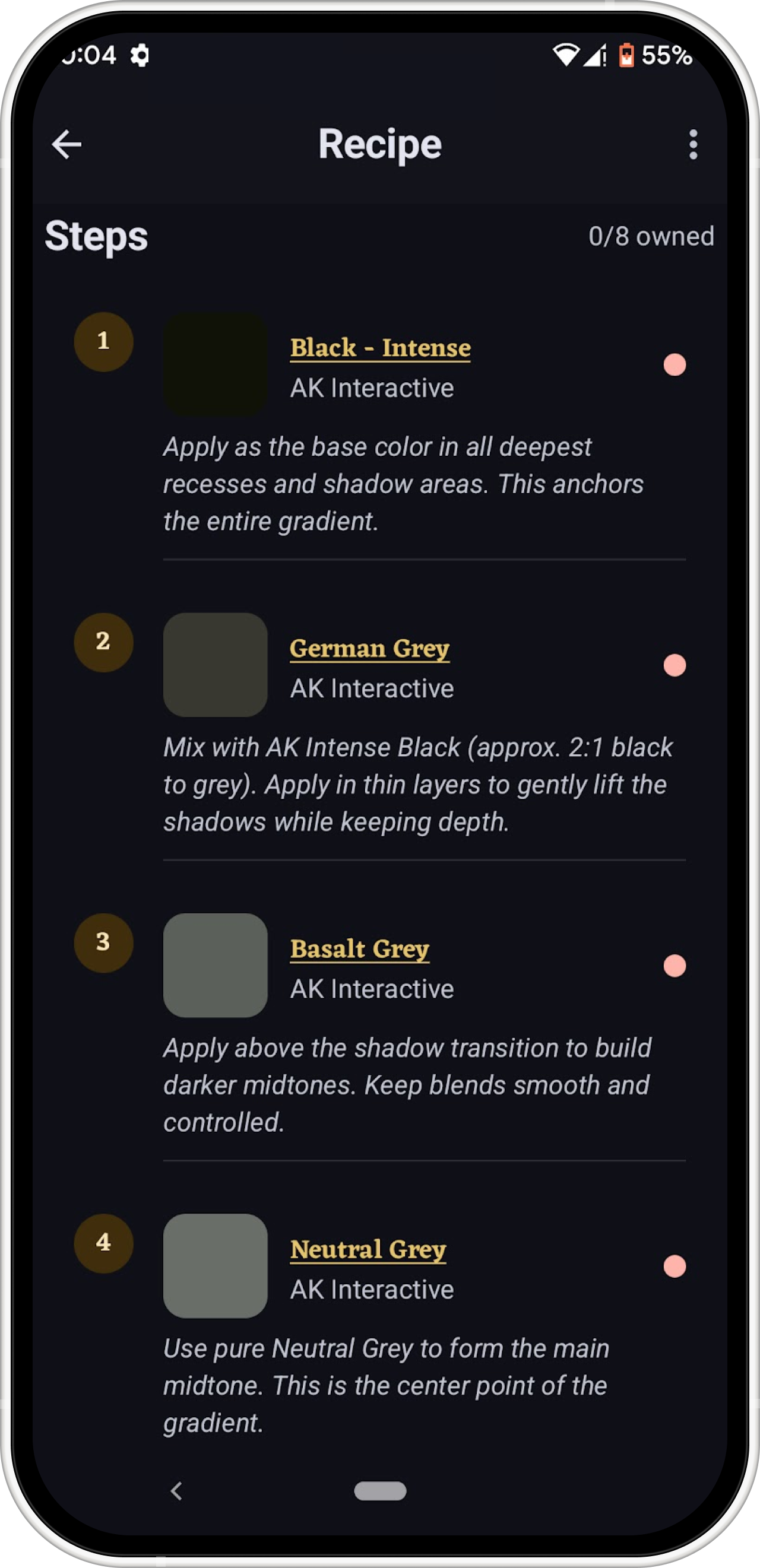
Keep ordered steps, paints, notes, and reference photos together. Attach the recipe to a project so you can return without reconstructing the process.
Explore recipes and projects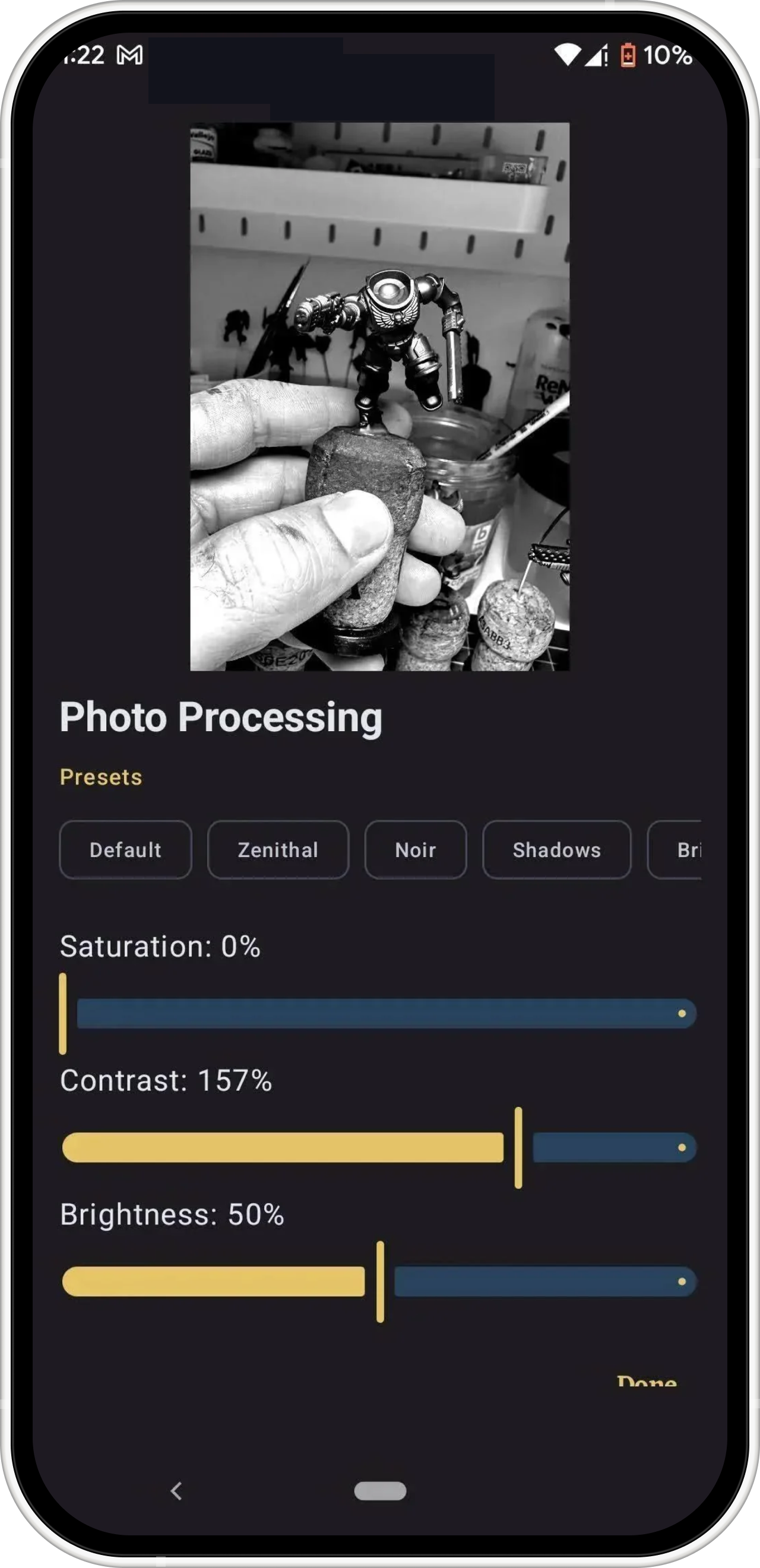
Select an area in a reference photo for catalogue paint suggestions, or inspect light and shadow views while planning a miniature.
Explore photo color toolsBrushForge is free to start on Android and iOS. Core collection, recipe, palette, and project tools remain available offline.